For beauty salons
Your client sees her colour before it’s applied
A link from your salon lets your client try your actual colours on her own photo, from her phone. You get a report of her choice before her appointment.
- No app for your client
- Your salon’s actual colours
- Photos deleted when the session ends
The challenge
Today, choosing a colour means imagining it
Small swatches and photos of someone else’s hair
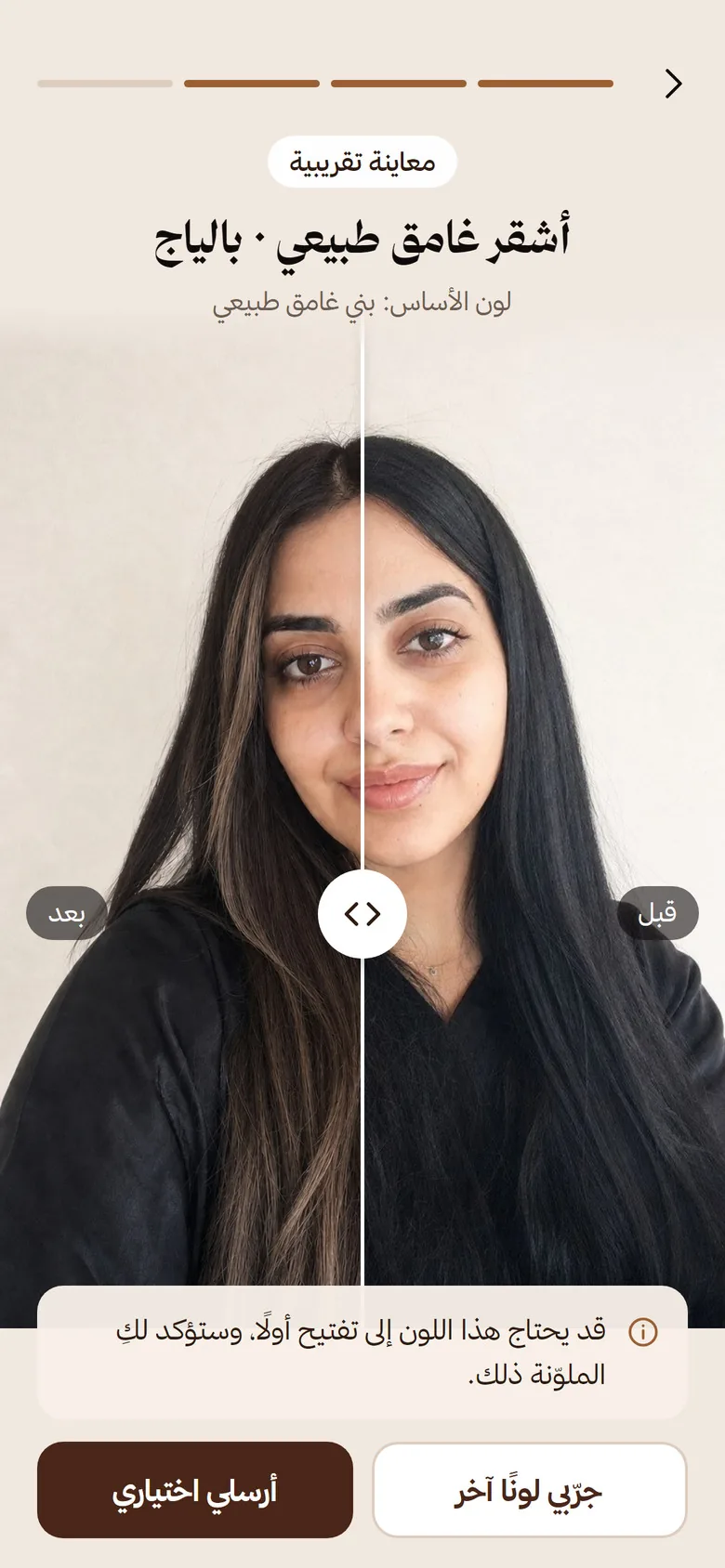
Your client picks from a catalogue or a photo in different lighting, not from her own hair.
Longer consultations in the chair
Your colourist has to describe what’s hard to picture, and indecision eats into the appointment.
An unexpected result
A colour that isn’t what she pictured means a correction, and maybe a client who doesn’t come back.
How it works
Three steps, from link to report
The salon sends, the client tries, and the report arrives before the appointment.
-
You send the link
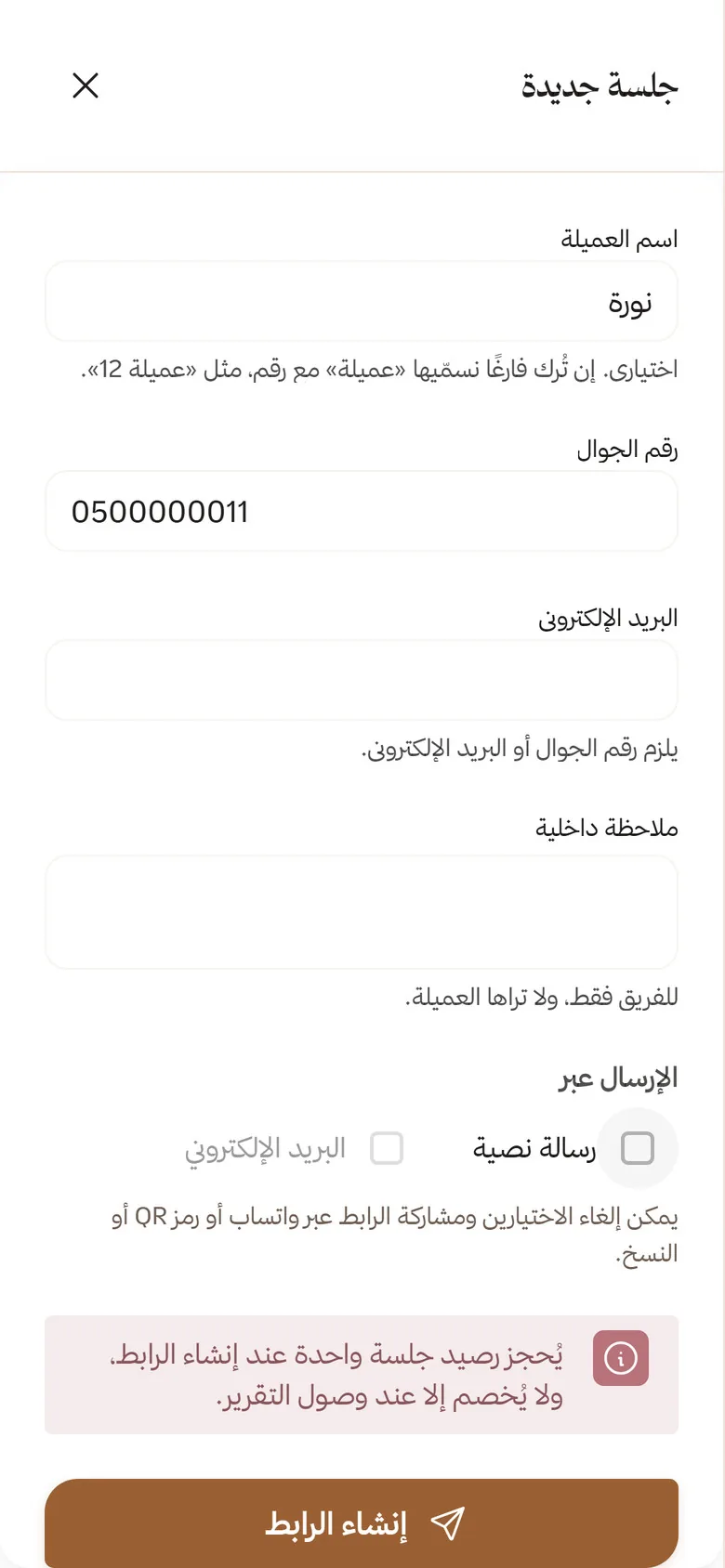
From your salon dashboard by WhatsApp, text message or email, or with a QR code in the salon.
-
She tries your colours
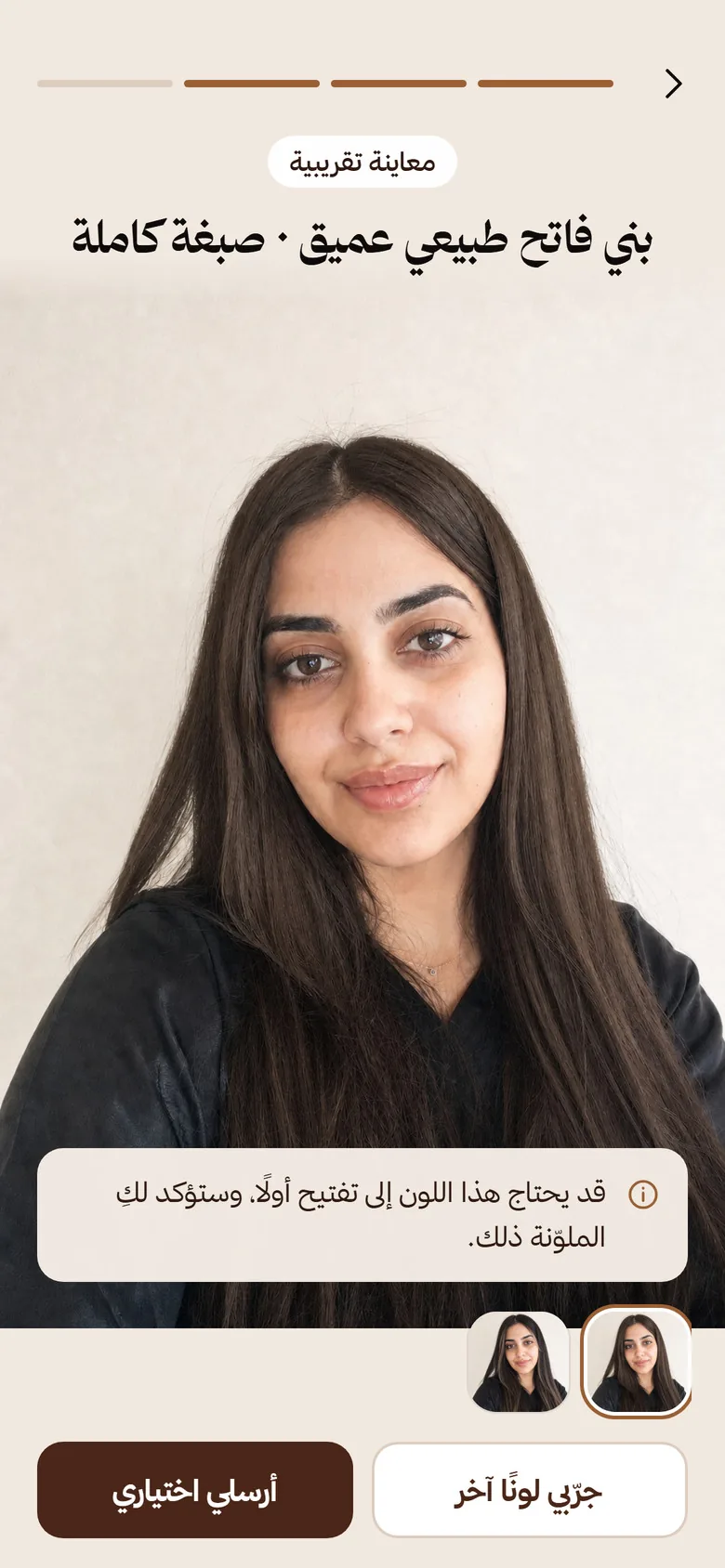
On her own photo, from her phone, at home or in the salon, with no app and no sign-up.
-
You get her choice
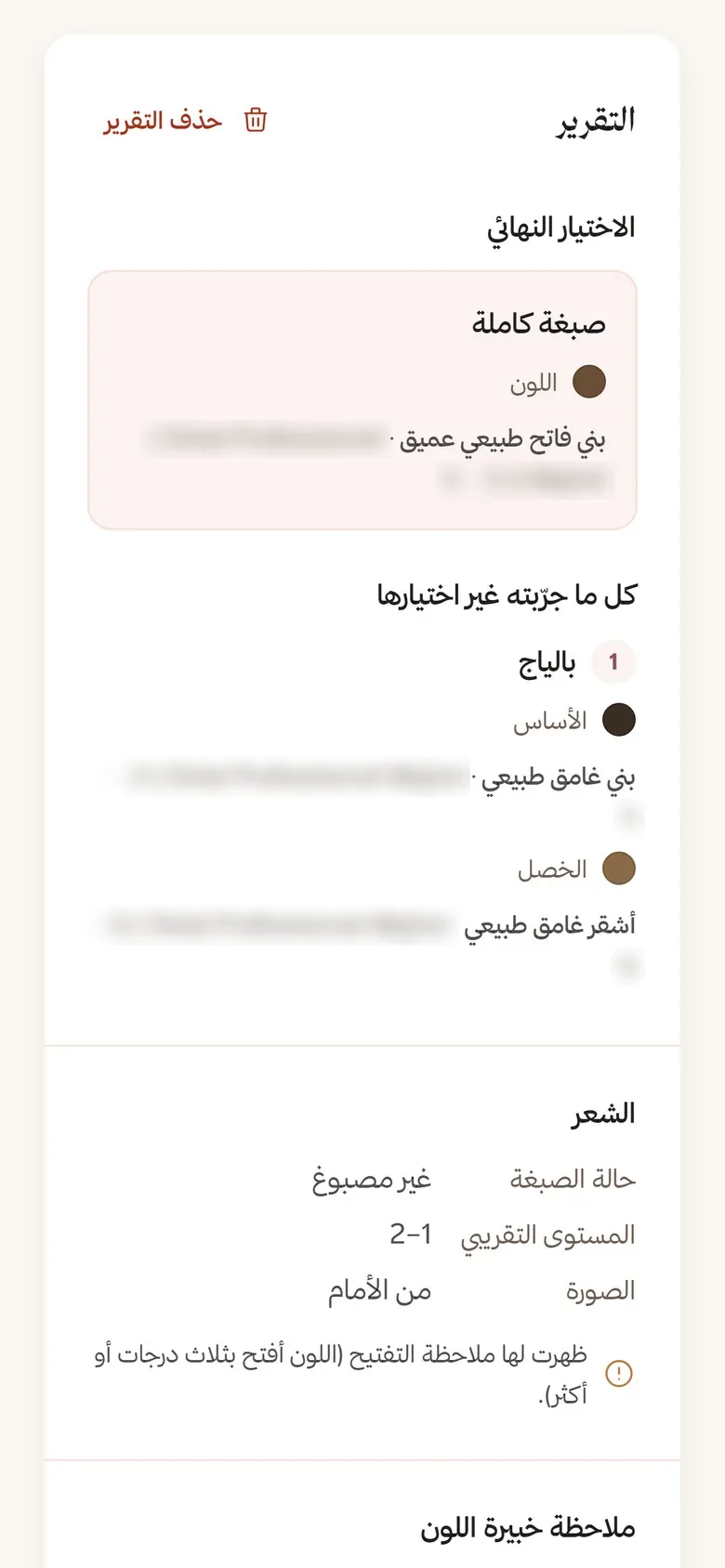
The technique and colour with its shade number, and everything she tried, before she sits in the chair.
Your client’s experience
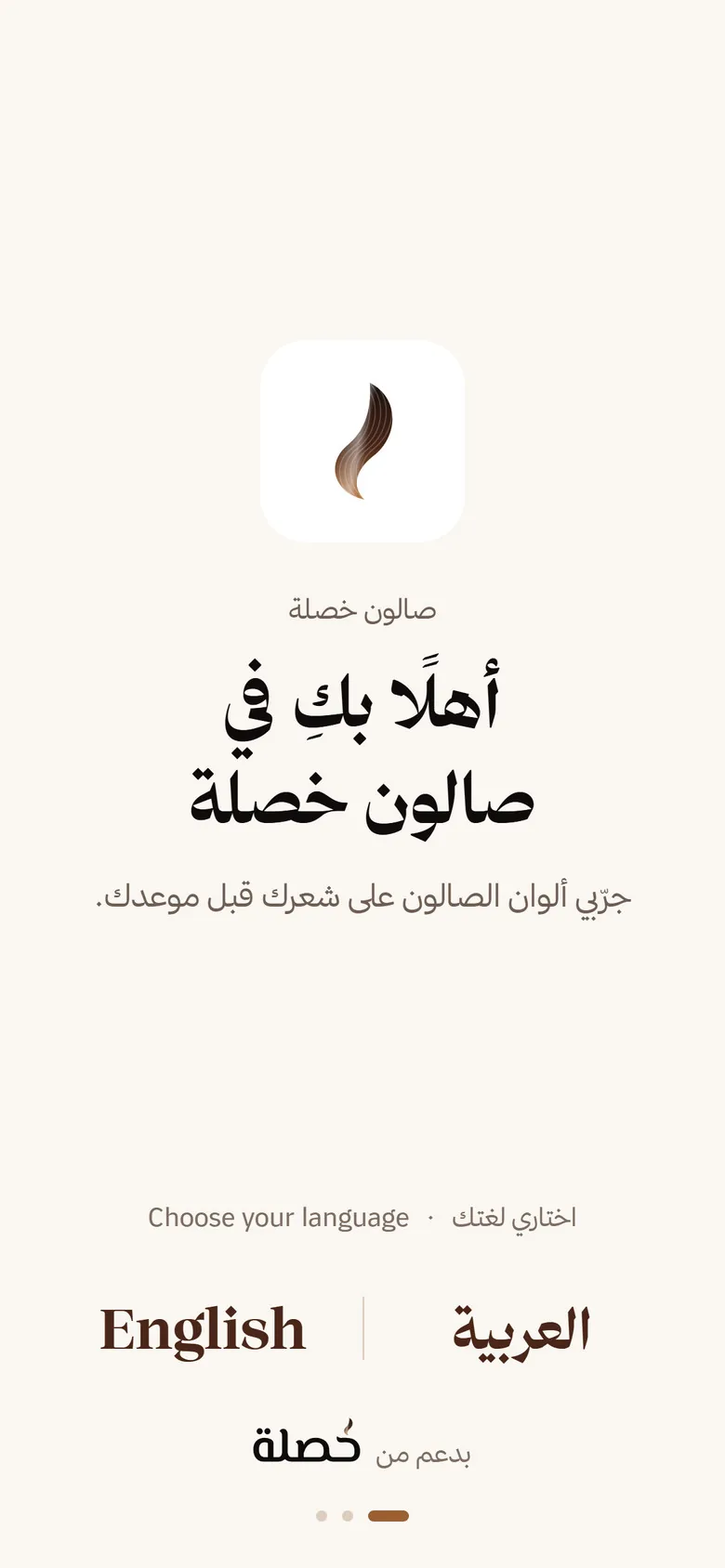
From her phone, no app, no sign-up
It opens with your salon’s name and logo, and ends with one choice sent to you.
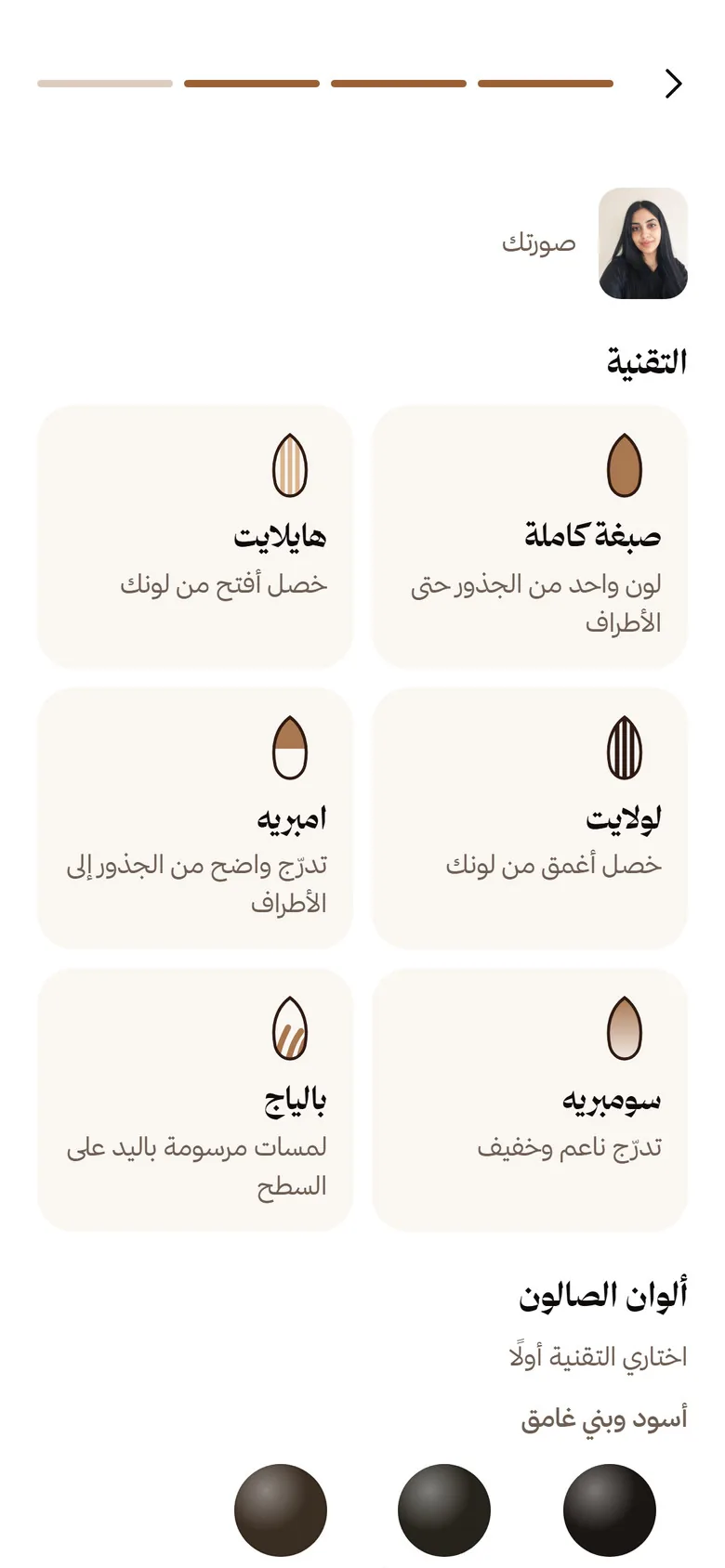
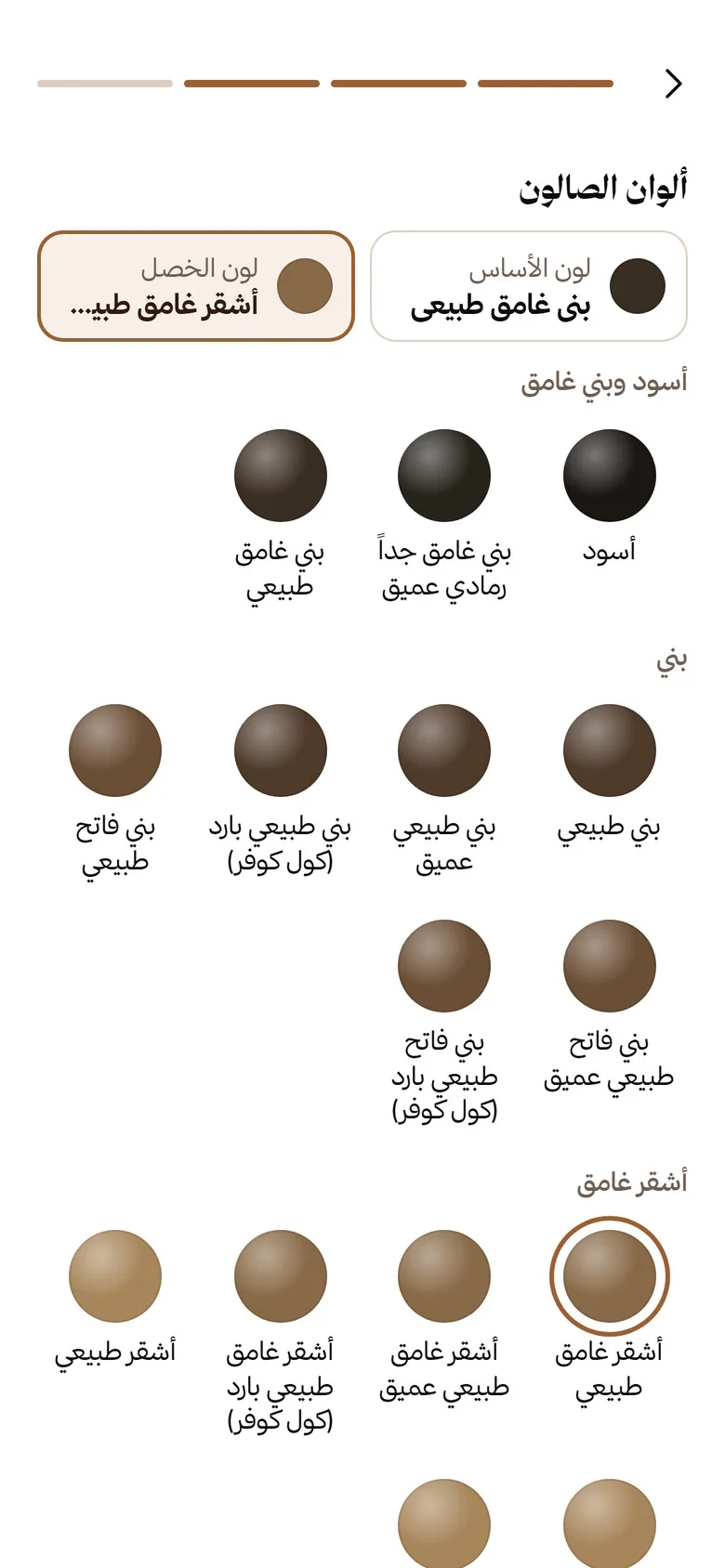
- A photo from the front or the back
- Automatic photo check
- An estimate of her current hair level
- Several previews to compare
- A note if the colour needs lightening
- Try at home or in the salon
Demo
Try Khesla the way your client will
Open the demo on your phone, pick a technique and a colour, and see the result on a ready-made sample photo. No photo to upload, no account needed.
Pick a technique and a colour, and see the result on a ready-made sample photo. No photo to upload, no account needed.
- Chocolate brown
- Light ash blonde
- Very light beige blonde
- Platinum blonde
All six techniques: Full colour, Highlights, Lowlights, Ombré, Sombré, Balayage.
The report
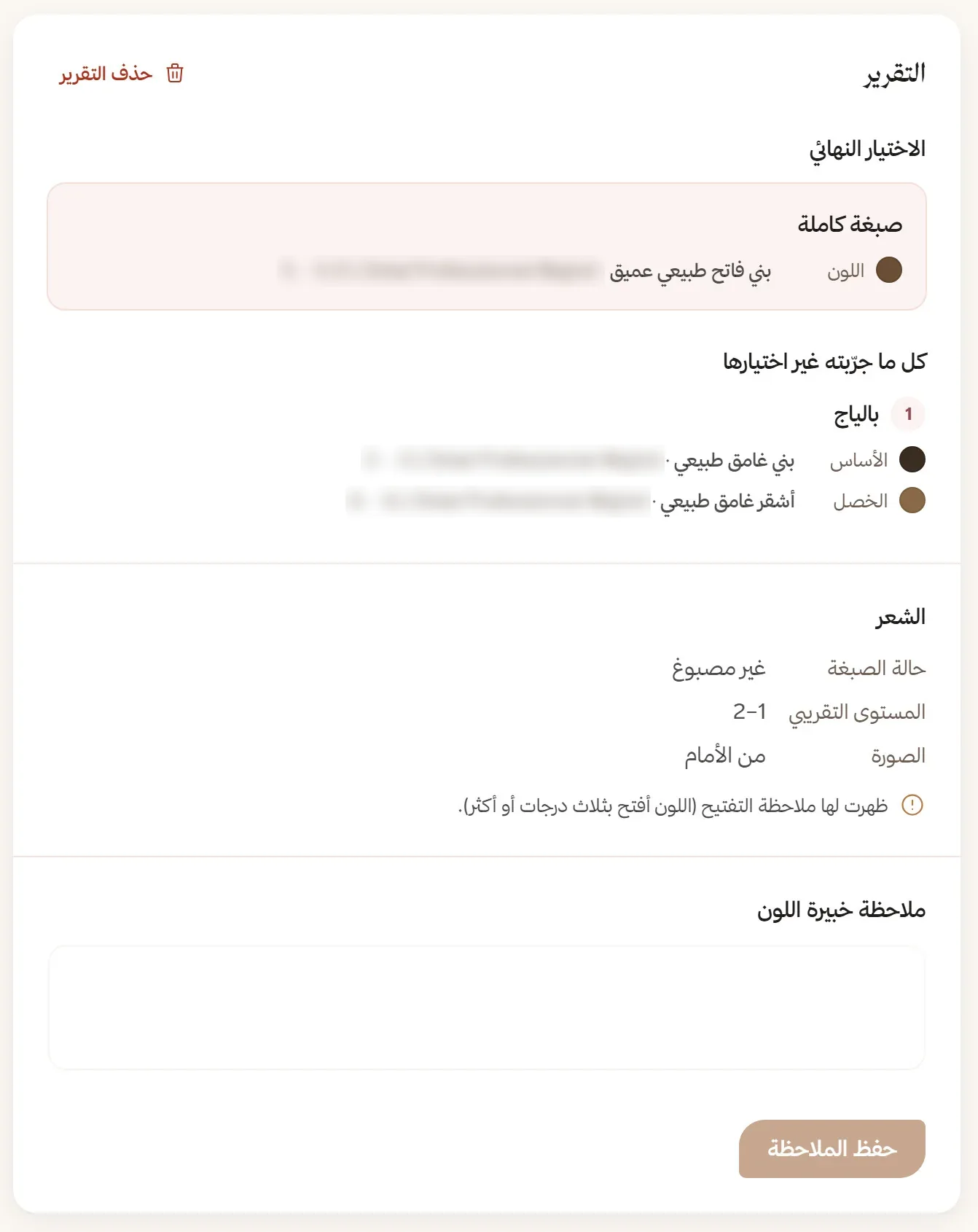
Her report arrives before her appointment
A text report for your colourist, on computer or phone, with no photos.
- Her final choice: the technique and colour, with the brand and shade number.
- Everything she tried but didn’t choose.
- Her hair’s condition and approximate level, with a lightening note when needed.
- An alert in your dashboard when a new report arrives, and room for your colour expert’s note.
Your client sees colour names only; the shade number is for your salon alone.
Privacy first
Your client’s photos never reach your salon, and are deleted as soon as the session ends
- Your client accepts the privacy terms when she taps “Start”.
- Her photos are used for previews only and never appear on any screen of the salon dashboard.
- Her photo and every preview are deleted as soon as she sends her choice or the session ends.
- Private, encrypted storage, kept out of backups.
- Reports are text only, with no trackers or ads.
Reassuring for your clients: your salon receives the choice, not the photo.
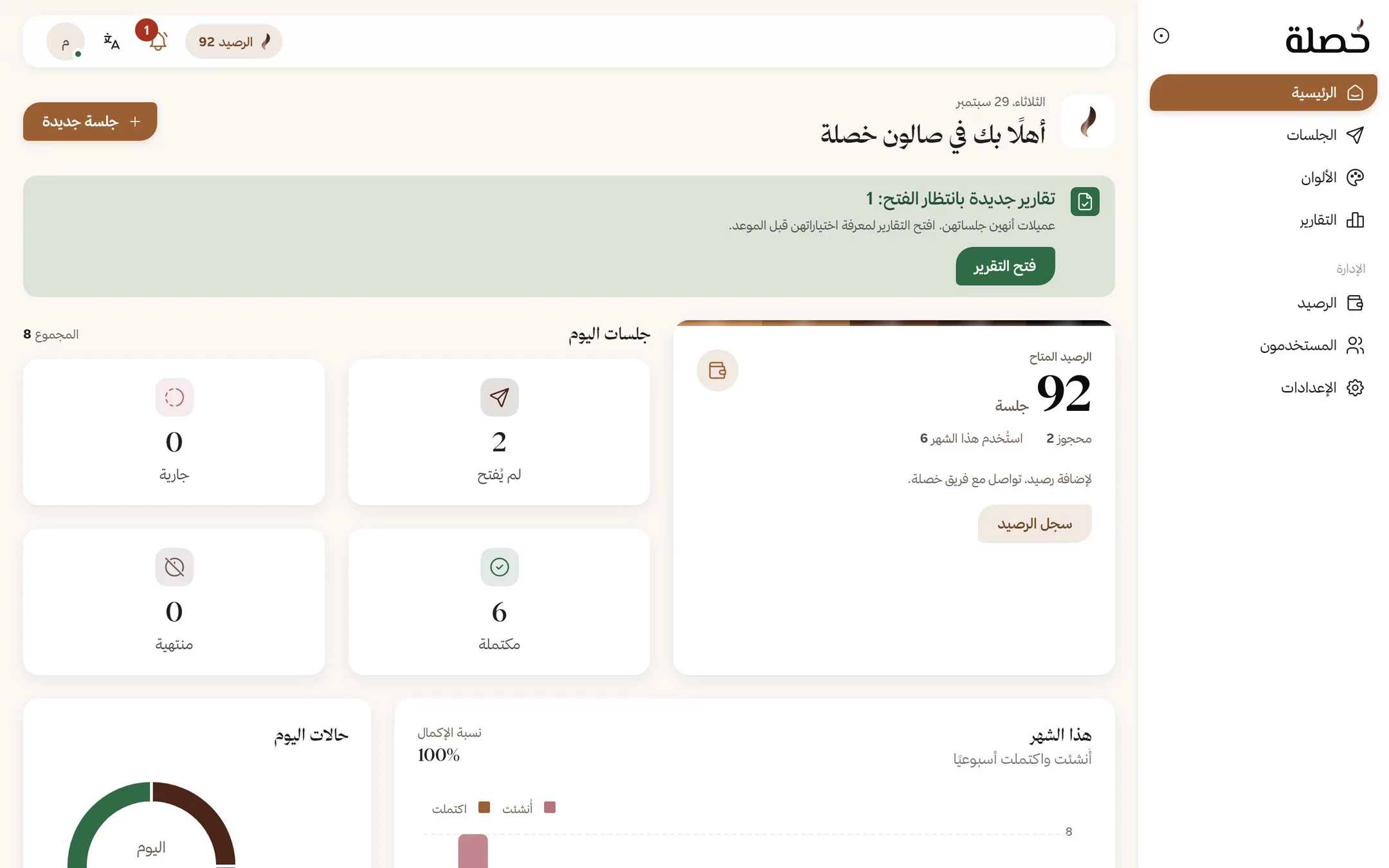
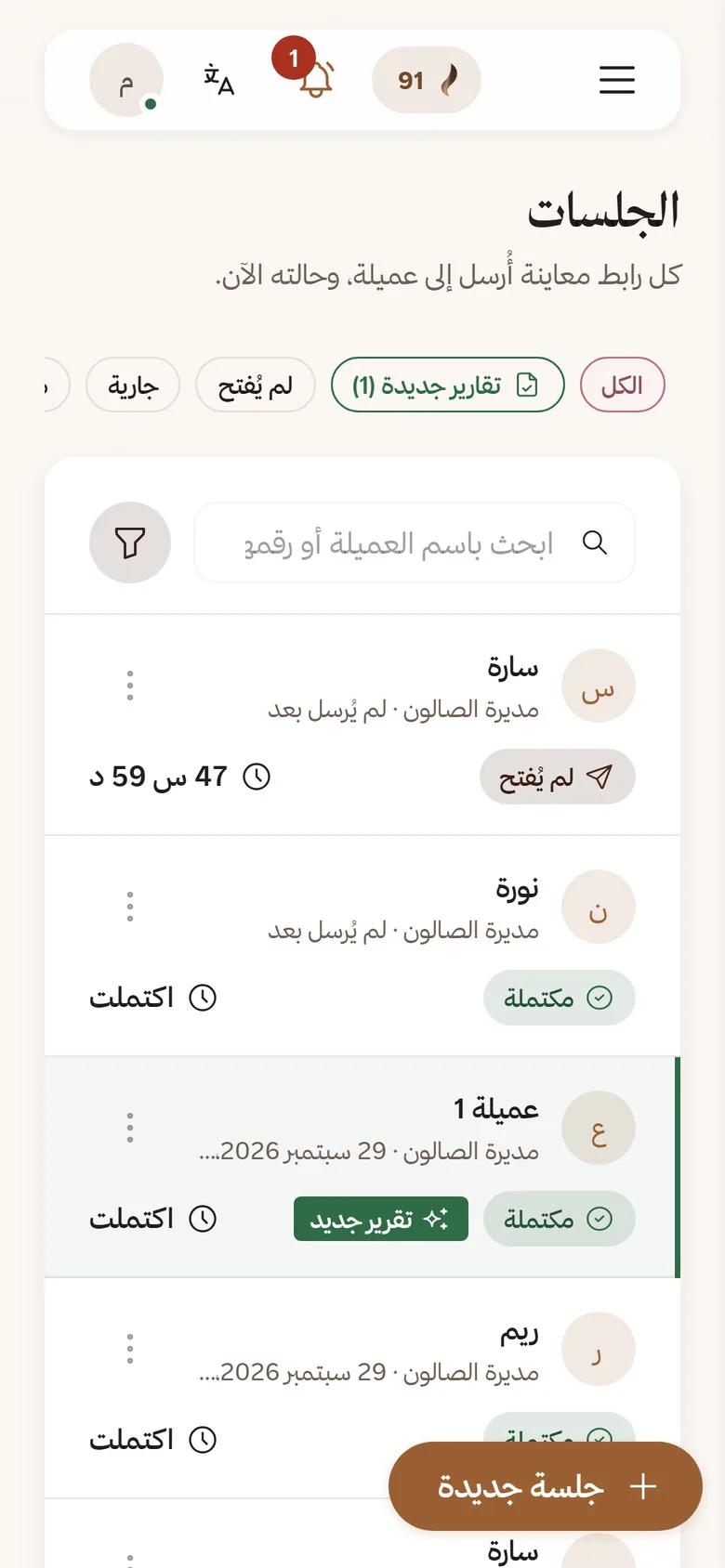
Salon dashboard
Your whole day on one screen
On computer or phone, in Arabic or English.
Sessions
Each link’s status, the time left, and who created it.
Colours
Your shades and techniques, and what’s in stock, in one tap.
Reports
Completion rate, and the most-tried and most-chosen colours.
Team
A salon manager, and staff with set permissions.
What does your salon gain?
A client who arrives already decided
A decision before the appointment
She arrives knowing the technique and colour, and the report is in front of your colourist.
Shorter consultations
Chair time goes to the work, not to hesitating and explaining.
Fewer surprises
She has seen the colour on her photo and knows in advance if it needs lightening.
Room for more services
She can try balayage and highlights with no commitment, and may choose a service she hadn’t considered.

Get started with Khesla
We set up your salon’s account, you choose your techniques and the colours you stock, then we add your credit and you send your first link.
Or message us directly
Have an account? Salon login